A live gold quote gives a recent price per troy ounce. Studying how gold moved through a past week requires a dated series. A historical-data API can provide that series for a chart or spreadsheet.
This walkthrough builds a daily gold-price series in USD using SiftingIO's documented historical commodities endpoint.
It draws on the provider's reference pages as read on October 26, 2026, rather than independent testing.
The example request was adapted from the documentation and wasn't executed.
Key Takeaways
-
Choose the correct price series. Spot or reference gold, the LBMA auction benchmark, gold futures, and a fund's share price measure different things.
-
Request dated bars rather than a live quote. Historical bars give open, high, low, and close values for each interval.
-
Inspect timestamps and field meanings. Check the bar time, the volume-like field, and any gaps before analyzing the data.
Choose a Gold Price Series That Fits Your Research
SiftingIO defines XAUUSD as the price of one troy ounce of gold expressed in US dollars. Other published gold prices can share that unit while measuring different things.
Match the series to your question. SiftingIO's XAUUSD series provides aggregated reference prices from multiple sources.
The LBMA Gold Price is an auction benchmark set twice daily, at 10:30 and 15:00 London UK time, in USD per troy ounce. It isn't a continuous feed and isn't published on weekends or UK bank holidays.
Gold futures have contract-specific terms. CME's 1-Ounce Gold futures contract, for example, is cash settled to the exchange's 100 troy ounce Gold futures contract. A gold fund's share price also reflects the fund's structure and costs.
These series shouldn't be substituted for one another without explanation.
For readers who want gold history alongside other markets, SiftingIO offers REST retrieval for data requests and WebSocket access for streaming updates.
Its symbol page states that every plan includes the full available gold history.
That wording doesn't establish the same earliest date for every symbol, so check the available XAUUSD dates against your research needs.
Check the plan. The published Commodities free tier provides a way to evaluate the data before paying. It lists 10,000 REST calls per month, a 60-requests-per-minute rate limit, one WebSocket connection, and five symbol subscriptions.
A September 29, 2026 release note expanded free-tier access to full available historical depth while leaving monthly call allowances and rate limits unchanged.
As of October 26, 2026, the Commodities product page lists monthly-billed starting prices of $99 for Builder and $299 for Pro. Pro's commercial use and customer-facing display rights remain subject to plan terms.
Retrieve Historical XAUUSD Prices Step by Step
The documented route is GET /v1/hist/commodities/:symbol/bars. It returns OHLCV bars, split into pages, at intervals from one minute through monthly.
OHLCV stands for open, high, low, close, and volume, though the volume field here counts price updates. The steps below use daily bars for a week in September 2026.
1. Create an account and obtain commodities access. Confirm that commodities are enabled for your API key, and keep the key private.
2. Store the key as an environment variable. Export it as SIFTING_API_KEY in your shell rather than pasting it into a script or shared spreadsheet. The request below references that variable instead of exposing the credential.
3. Select the symbol, date range, and interval. Use XAUUSD as the symbol, choose start and end dates in UTC, and set the interval to 1d for daily bars. The documented date bounds are inclusive, and a date-only input represents midnight UTC. An end date of 2026-09-07 therefore refers to the start of that day, rather than its end.
4. Submit the request. The example below requests daily bars within those bounds.
curl --compressed \
-H "X-API-Key: $SIFTING_API_KEY" \
-H "Accept-Encoding: gzip" \
"https://api.sifting.io/v1/hist/commodities/XAUUSD/bars?start=2026-09-01&end=2026-09-07&interval=1d&limit=2000"
The limit parameter sets the page size. It defaults to 1,000 bars and permits a maximum of 2,000, so a week of daily bars fits on a single page. The gzip header is required on this endpoint; requests without it return a 406 error.
5. Inspect and save the returned data. Each bar carries six fields. The t value is the bar's opening time in Unix milliseconds, distinct from the time the response was generated. The o, h, l, and c values are the open, high, low, and close prices in USD per troy ounce.
The v value counts price updates within the bar, not ounces traded on an exchange. Convert t to a readable date, then write the rows to CSV.
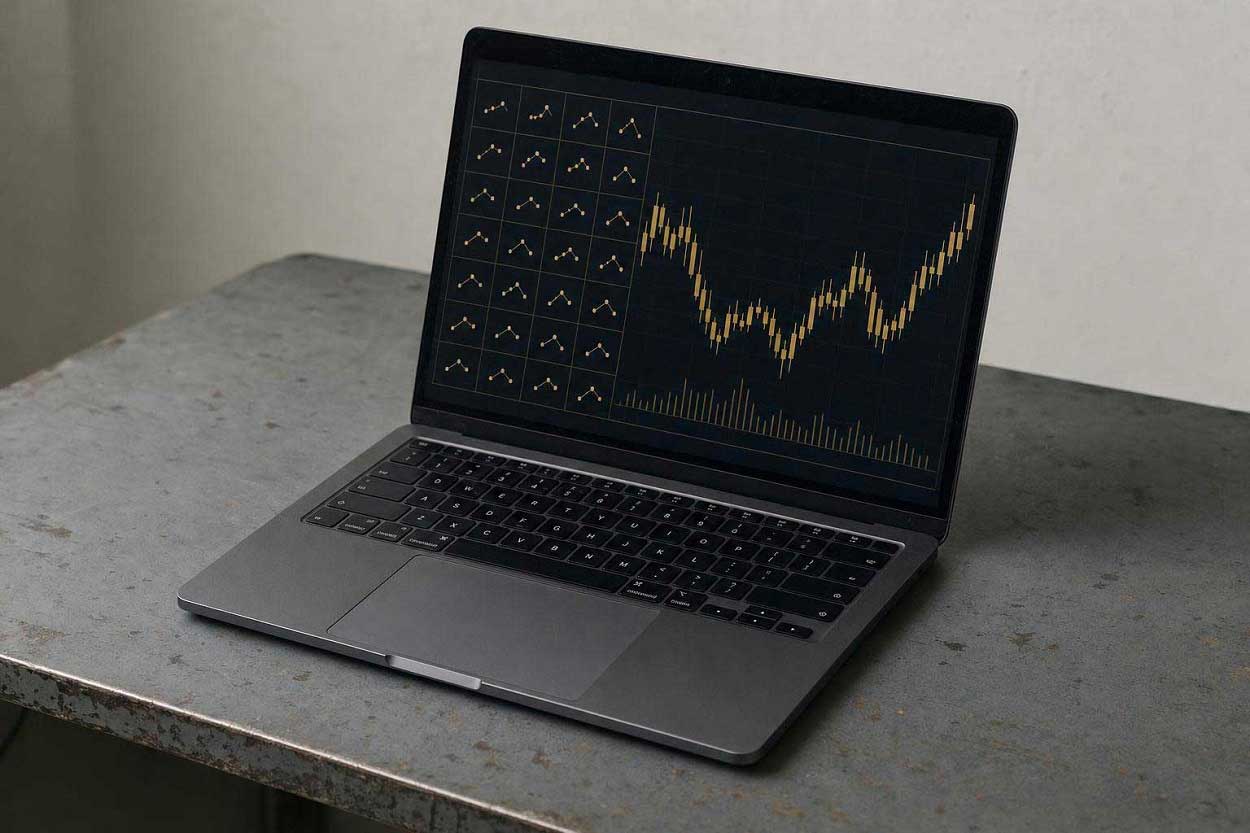
If the response supplies a continuation value in meta.next_cursor, more bars remain. Pass that value back through the documented cursor flow and continue until no further page is indicated.
A no-code alternative. Sifting IO also offers a browser-based CSV and Excel exporter. Its account-free preview covers completed bars from the latest 24 hours; older history requires an API key. For scripted work, official Python, JavaScript, and Go SDK guides are available.
Validate the Gold History Before Using It
Check the series definition, timestamps, comparison data, and source record before calculating returns or drawing conclusions.
Verify units and series identity. Confirm that the figures are USD per troy ounce and that the symbol represents the spot or reference series you intended to retrieve.
SiftingIO documents its output as aggregated, derived, and calculated data from multiple third-party sources. That definition helps you assess its fit for research: the values may differ from a broker or venue and aren't official exchange-of-record prices.
Inspect timestamps and missing observations. Because v counts price updates, a low value means fewer recorded updates within that bar. It doesn't establish how much gold traded or how liquid the market was.
Check apparent gaps against the source's publication calendar. For example, the LBMA benchmark has no weekend or UK bank holiday observations.
Don't replace a missing price with zero or assume that every symbol reaches back equally far. Test the date range you need.
A sharp move in a single daily bar isn’t automatically an error either, since shifts in trade and geopolitical sentiment can move XAUUSD noticeably within one session, so check the date against market news before treating it as bad data.
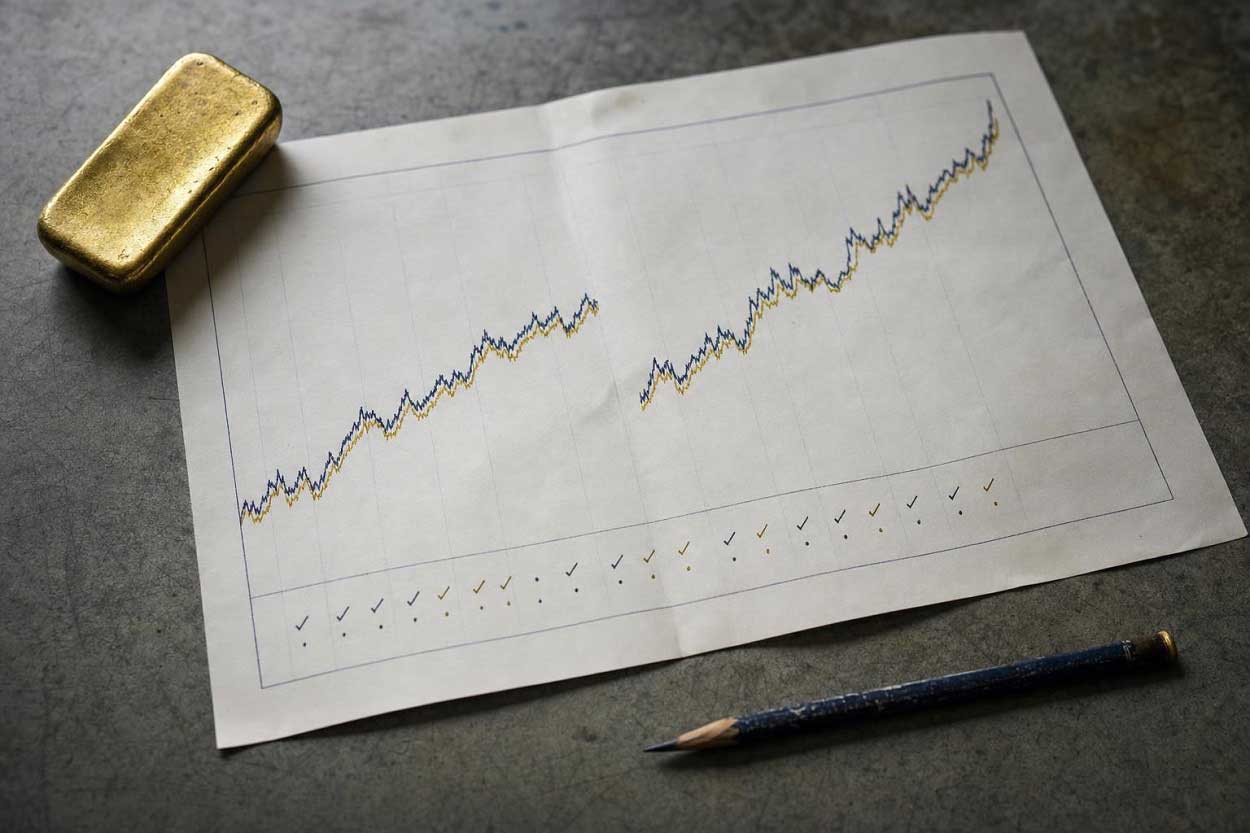
Compare matching dates and price definitions. Align timestamps and definitions before comparing your series with a published benchmark. The World Gold Council reported an average LBMA PM price of US$4,506.29 per ounce for Q2 2026.
That figure is a quarterly average of an auction benchmark, so comparing it directly with one daily close from a reference feed would be misleading.
It is also a historical observation, not a current quote. Reference values don't establish the price at which a broker would fill an order.
Record the source and retrieval date. Save the provider, symbol, endpoint, interval, requested date bounds, and retrieval date alongside the CSV.
Keep the series definition with that record so a later reader can distinguish reference prices from auction benchmarks or futures prices.
FINRA cautions that back-testing cannot predict future performance or perfectly reproduce past results, and advises skepticism toward extraordinary past-performance claims. A spreadsheet showing gold rising over a selected period doesn't establish that a strategy will be profitable.