Most options alert groups post a trade after it happens. By the time the message lands, the entry is gone and you are left chasing a fill.
The communities worth paying for do one of two things. They let you watch the decision as it is made, or they give you enough data and education to make your own calls. We compared five options trading Discord servers for U.S. retail traders on live access, trade records, education and cost.
Key Takeaways
-
Live, screen-visible trading is the clearest way to judge a room's process because you see entries and exits as they happen.
-
A public record that includes losing trades tells you far more than a feed of winning screenshots.
-
Monthly prices on this list run from about USD 50 to USD 200, and refund terms range from a 48-hour window to no refunds at all.
-
Paid plans unlock different channels and sessions, so check exactly what your tier includes before you subscribe.
How We Compared
We reviewed each service's public website, pricing and policy pages in November. We looked at live session formats, how trades are posted and recorded, education, tools, monthly cost and refund terms.
This was desk research. We did not join paid rooms, place trades or audit any group's results, and nothing here is investment advice. Options trading requires brokerage approval and can lose money quickly, and subscription fees come on top of your trading capital.
1. Prisma Group
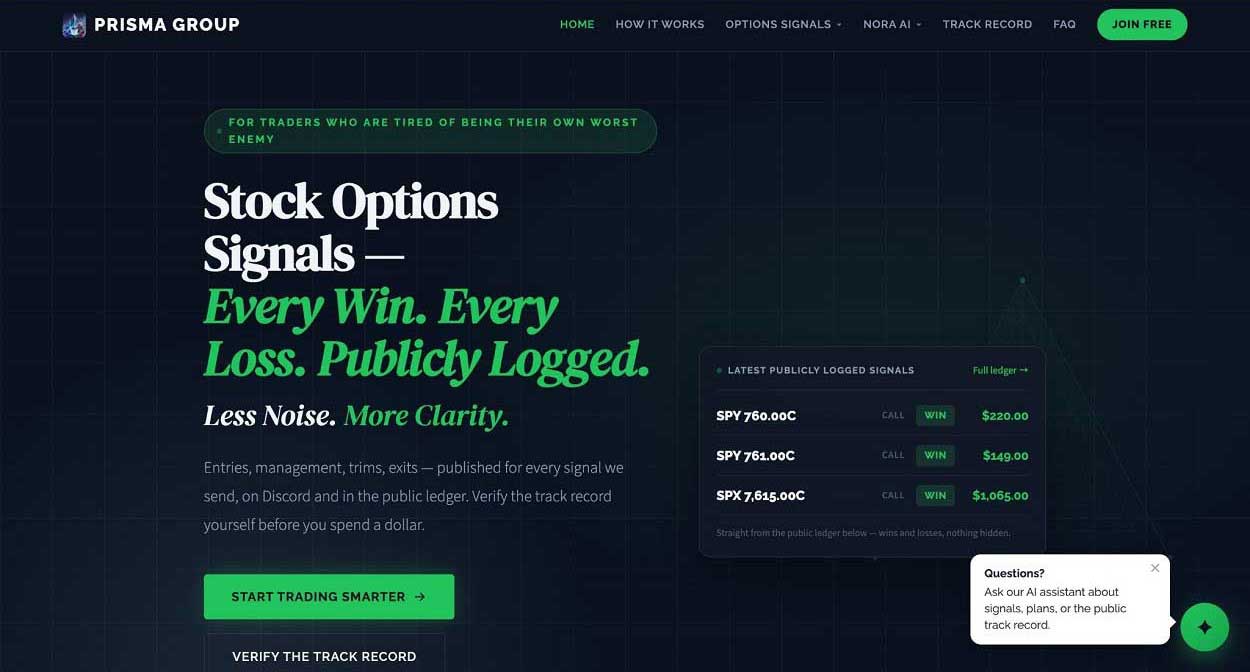
Why we picked it: Prisma Group is built for traders who want to watch the move happen instead of reading about it afterward. Lead trader Namrood trades live on Discord several days a week, and many paid-plan entries are taken in real time, so you see the entry, management, trims and exit as they unfold. Every signal is also logged on Discord and in a public ledger, wins and losses included, so you can review the record before you spend anything.
Pros
-
Live sessions show the full trade from entry to exit, and every session is archived on YouTube.
-
Signals include entry, target and stop-loss levels, with results tracked in a public ledger and live dashboard.
-
Nora, an AI terminal built into Discord, adds gamma exposure analysis, covered call and cash-secured put scanners and TradingView-synced price alerts.
Cons
-
The money-back guarantee covers new subscriptions only and lasts 48 hours.
-
One-on-one coaching requires the Elite plan, which costs twice as much as Pro.
Pricing: Pro is USD 49.99 per month or USD 499.99 per year. Elite is USD 99.99 per month and adds two monthly one-on-one sessions plus a portfolio review, and a free Discord channel offers options signal previews.
2. Stock Dads
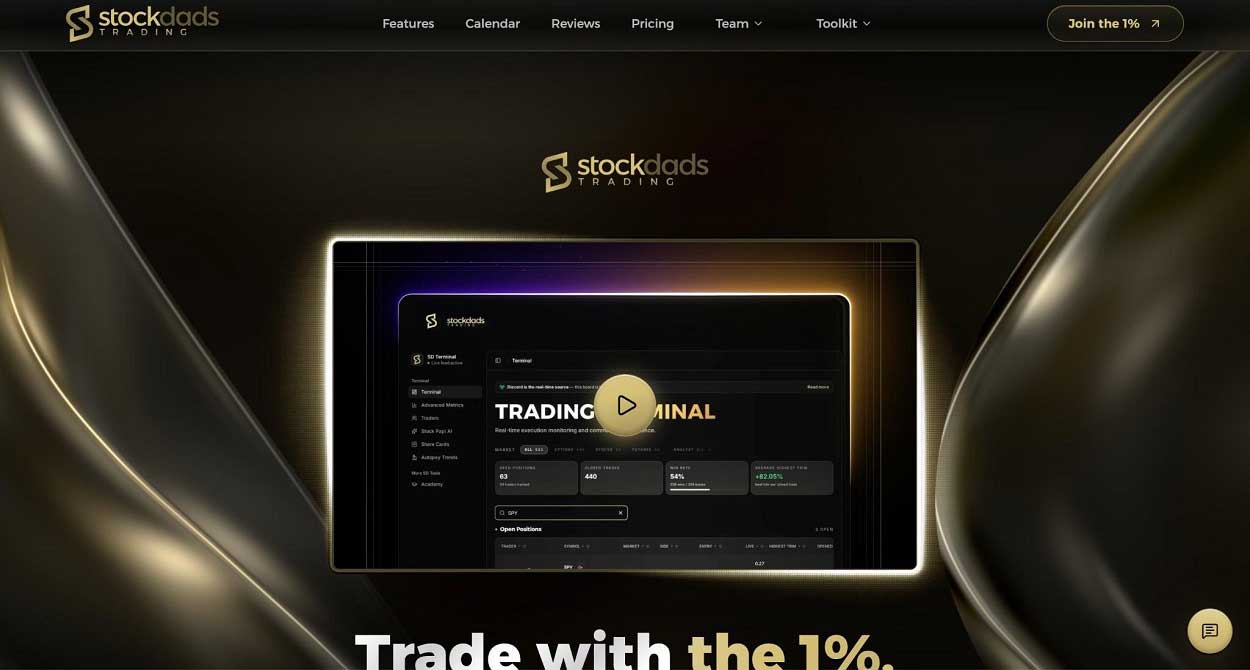
Why we picked it: Stock Dads suits traders who want structure alongside their alerts. The Options Only plan pairs options alerts and live options sessions with the options side of the SD Terminal, which gathers analyst entries, trims and closes in one dashboard. Its Academy of 15 self-paced modules with quizzes and a diploma is included with every plan.
Pros
-
The SD Terminal shows analyst entries, trims and closes in one place, with voice alerts that read new trades aloud.
-
The Academy gives newer traders a structured path from basics to a personal trading plan.
-
Every member gets a personal concierge for onboarding and support.
Cons
-
All subscription purchases are final, and leaving the Discord does not cancel billing.
-
Options Only covers the options side, while multi-market access needs the pricier Full Access plan.
Pricing: Options Only is USD 99 per month on Whop. The website lists USD 1,000 per year, which works out to about USD 83.33 a month billed annually.
3. BlackBoxStocks
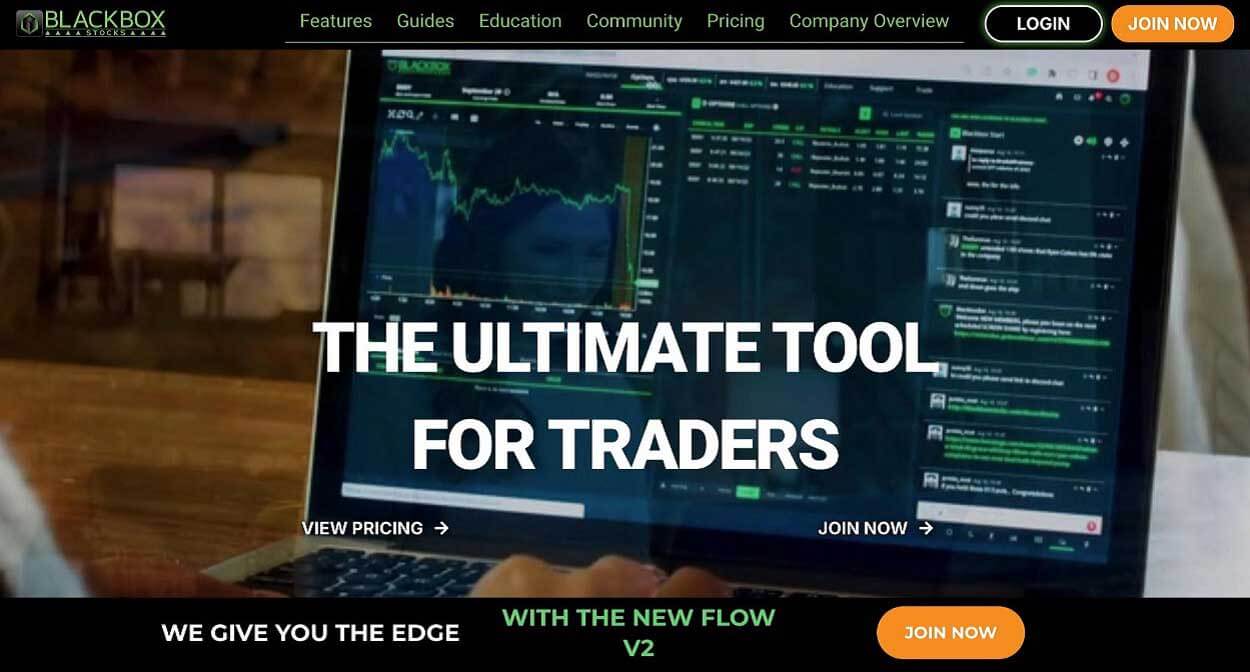
Why we picked it: BlackBoxStocks is a scanning platform with a community attached. It fits traders who want to read options flow themselves rather than follow one person, since its algorithm-based alerts flag unusual options activity in real time.
Pros
-
Real-time options flow and algorithm-based options alerts start at the entry tier.
-
Options Plus adds dark pool data, net options delta, gamma exposure and historical flow.
-
Live options trading rooms with team trades are listed from Options Plus up.
Cons
-
Live rooms and dark pool data are not part of Options Basic.
-
Flow alerts flag activity rather than complete trades, so interpreting them is your job.
Pricing: Options Basic is USD 59 per month and Options Plus is USD 79 per month. Promotions change often, so confirm the price at checkout.
4. Options Insider
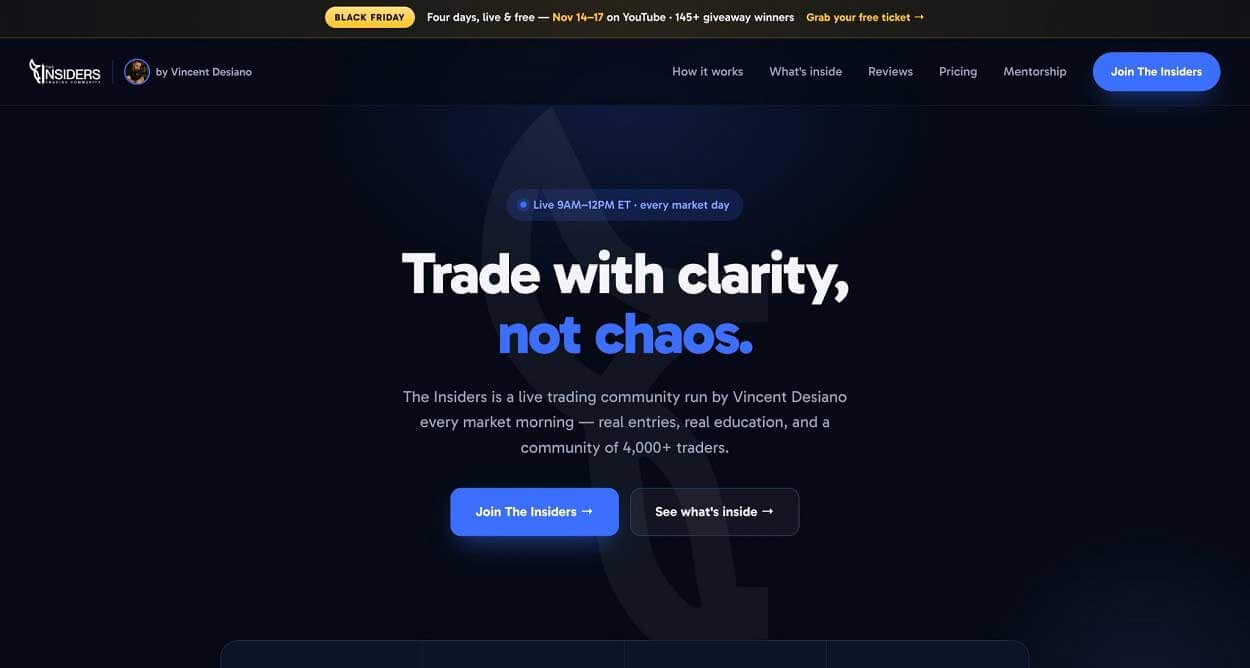
Why we picked it: Options Insider, sold as The Insiders, is built around one mentor's screen. Vincent Desiano trades live on Zoom with full screen share on Monday, Tuesday, Thursday and Friday, with group live trading on Wednesdays, from 9 AM to 12 PM ET.
Pros
-
Full screen-share sessions show real entries, management and P/L as they happen.
-
A daily morning watchlist and key levels post to Discord, and the LVLS levels hub is included.
-
The education vault holds 65+ lessons and more than 50 hours of content.
Cons
-
It is the most expensive plan on this list.
-
Morning-only sessions may not suit traders who work during market hours.
Pricing: The Insiders costs USD 199.99 per month on the website and USD 199 per month on Whop. Check the final price at checkout.
5. ZTRADEZ
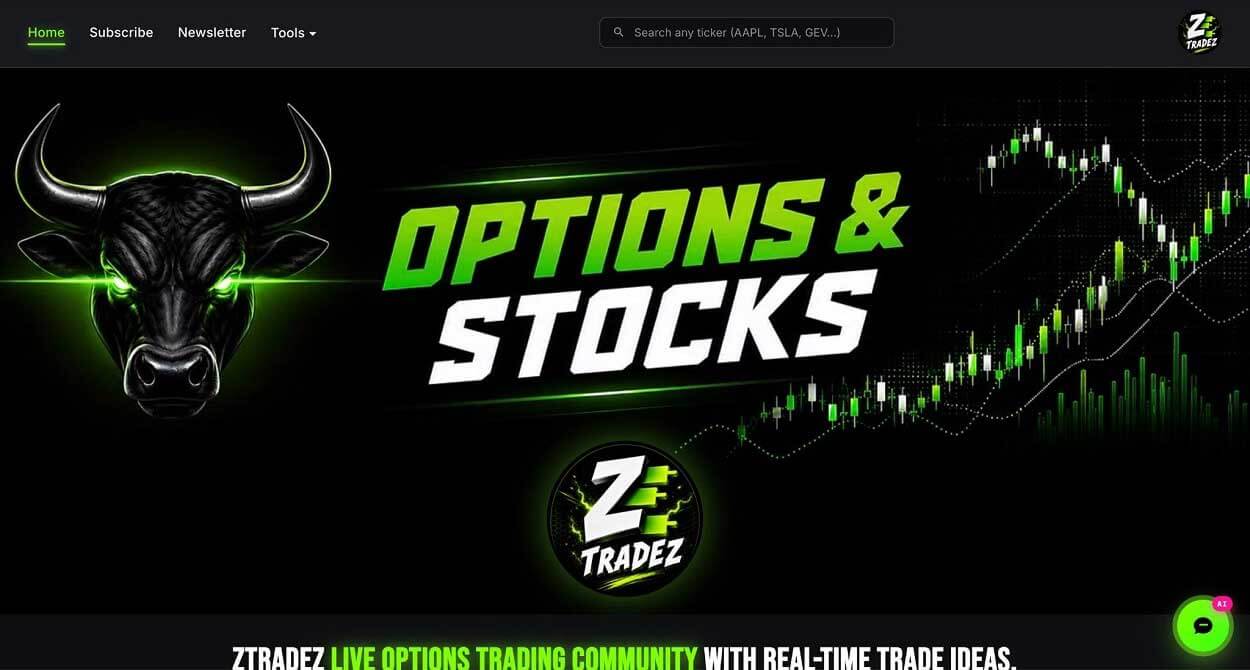
Why we picked it: ZTRADEZ covers the widest range of options strategies here. Beyond day trades and swings, it runs dedicated channels for the wheel, credit and debit spreads, iron condors, covered calls and cash-secured puts.
Pros
-
Income and spread strategies get their own channels instead of a passing mention.
-
Live voice trading runs five days a week.
-
A permanent free tier includes unusual options activity, a 24/7 chat room and a limited number of trade ideas.
Cons
-
All sales are final.
-
Options share space with equities, futures, forex and crypto desks, which can feel busy if you only trade options.
Pricing: Options access is USD 59 per month and Full Access is USD 69 per month.
How to Choose the Right Options Discord
Start by budgeting for the full cost of trading. Subscription fees are only one line item, and hidden trading costs like spreads, commissions and slippage can quietly erase the edge an alert seems to offer.
Next, think about how you learn. If you want to see a trader's process in real time, prioritize live sessions you can actually attend or replay. If you would rather work from raw data, a flow scanner with a community attached may serve you better than any alert room.
Then look at the record. A server that publishes losing trades alongside winners gives you something real to evaluate, while a feed of green screenshots does not. Read the refund and cancellation terms too, because they range from a short guarantee to no refunds at all.
Conclusion
Our top pick is the strongest fit if you want to watch trades unfold live and check a public record of every signal before paying. Stock Dads suits structured learners, BlackBoxStocks fits data-driven traders and Options Insider offers mentor-led screen sharing at a higher price.
ZTRADEZ rounds out the list with the broadest strategy coverage and a free tier you can test first. Whichever you choose, confirm what your plan includes and keep subscription costs separate from your trading capital.
FAQ
Are options trading Discord servers worth paying for?
They can be if the server shows its process and publishes its full record, including losses. Treat any room as one input alongside your own research, not a replacement for it.
Do I need brokerage approval to follow options alerts?
Yes. Brokers require options approval before you can place options trades, and the level you are approved for limits which strategies you can use.
Can I try a server before paying?
Some offer free access. ZTRADEZ has a permanent free tier, and our top pick runs a free Discord channel with options signal previews.
Are signal groups giving financial advice?
Several services on this list describe their content as education rather than personalized financial advice. The SEC's investor alert on stock tips also warns investors never to make decisions based solely on information from social media platforms or apps.